PickerInput - Selector form input
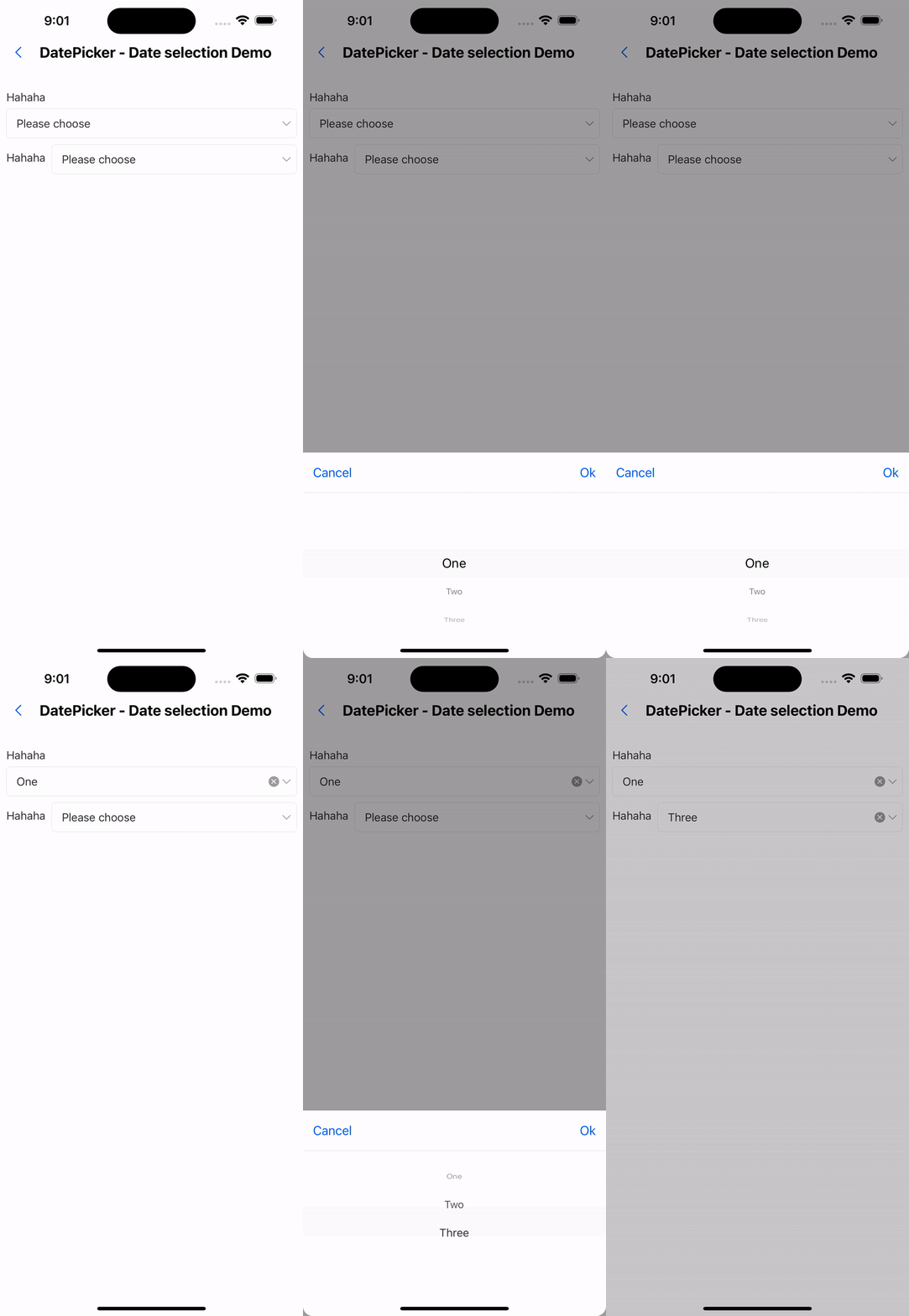
Effect demonstration
1. Default effect
 const loadTypeData = [
    {label: 'One', value: 1},
    {label: 'Two', value: 2},
    {label: 'Three', value: 3},
  ];
...
<PickerInput label="hahaha" data={loadTypeData} />
<WhiteSpace />
<PickerInput label="hahaha" labelPosition="left" data={loadTypeData} />
API
| Properties | Required | Description | Type | Default Value |
|---|---|---|---|---|
| data | true | Selection data | CascadePickerItemProps[] | Array<CascadePickerItemProps[]> | [] |
| cascade | false | Whether to cascade selection | boolean | false |
| cols | false | Select the number of columns | number | 3 |
| value | false | selected value | ItemValue[] | |
| onChange | false | Selection callback | (value?: ItemValue[]) => void | |
| title | false | Selector title | string | |
| onClose | false | Pop-up window closing event | () => void | |
| cancelText | false | Cancel button text | string | Cancel |
| okText | false | Confirm button text | string | OK |
| activeOpacity | false | Opacity when pressed | number | 0.6 |
| label | false | label text | ReactNode | |
| labelPosition | false | Label text position | top | left | top |
| required | false | Is it required | boolean | false |
| placeholder | false | Default prompt | string | Please select |
| allowClear | false | Whether to allow clearing | boolean | true |
| disabled | false | Whether to disable | boolean | false |
| brief | false | Extras | ReactNode | |
| style | false | Custom style | ViewStyle |