Toast-Prompt component
Effect demonstration
1. Show at top
<Button title="top" onPress={() => (keyRef.current = Toast.top({ content: 'Prompt content 1111' }))} />
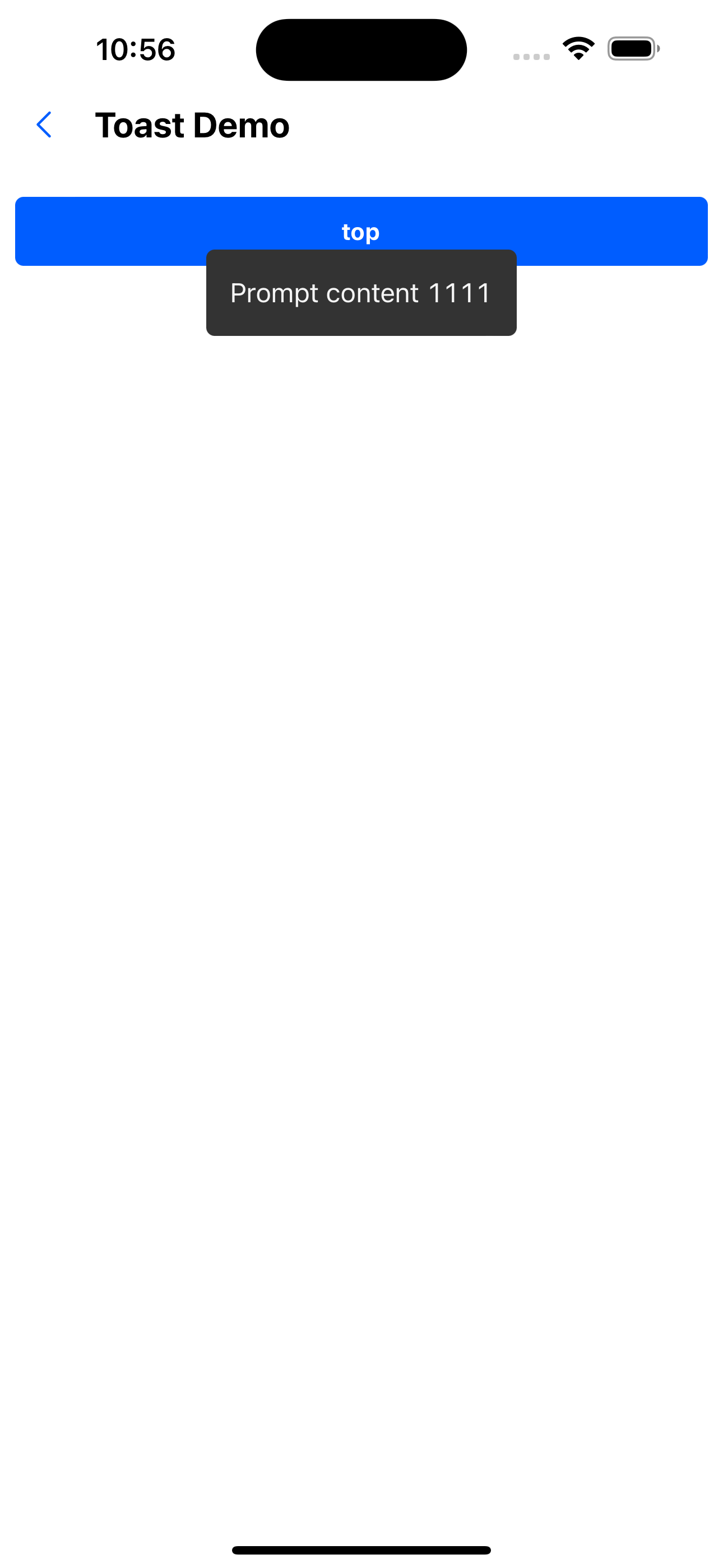
/>
2. Display in the middle
<Button title="middle" onPress={() => (keyRef.current = Toast.middle({ content: 'Prompt content 222222' }))} />
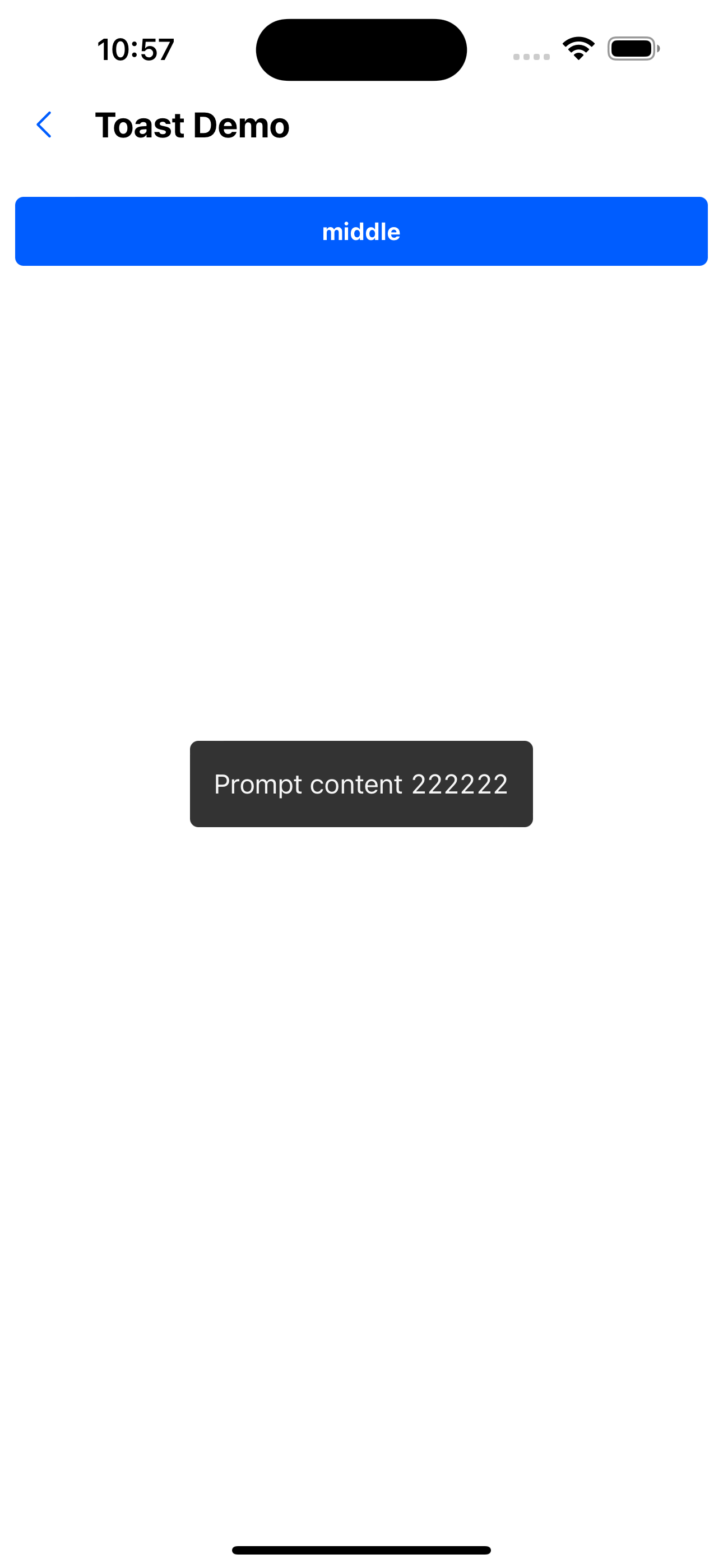
/>
3. Display at the bottom
<Button title="bottom" onPress={() => (keyRef.current = Toast.bottom({ content: 'Prompt content 333333333' }))} />
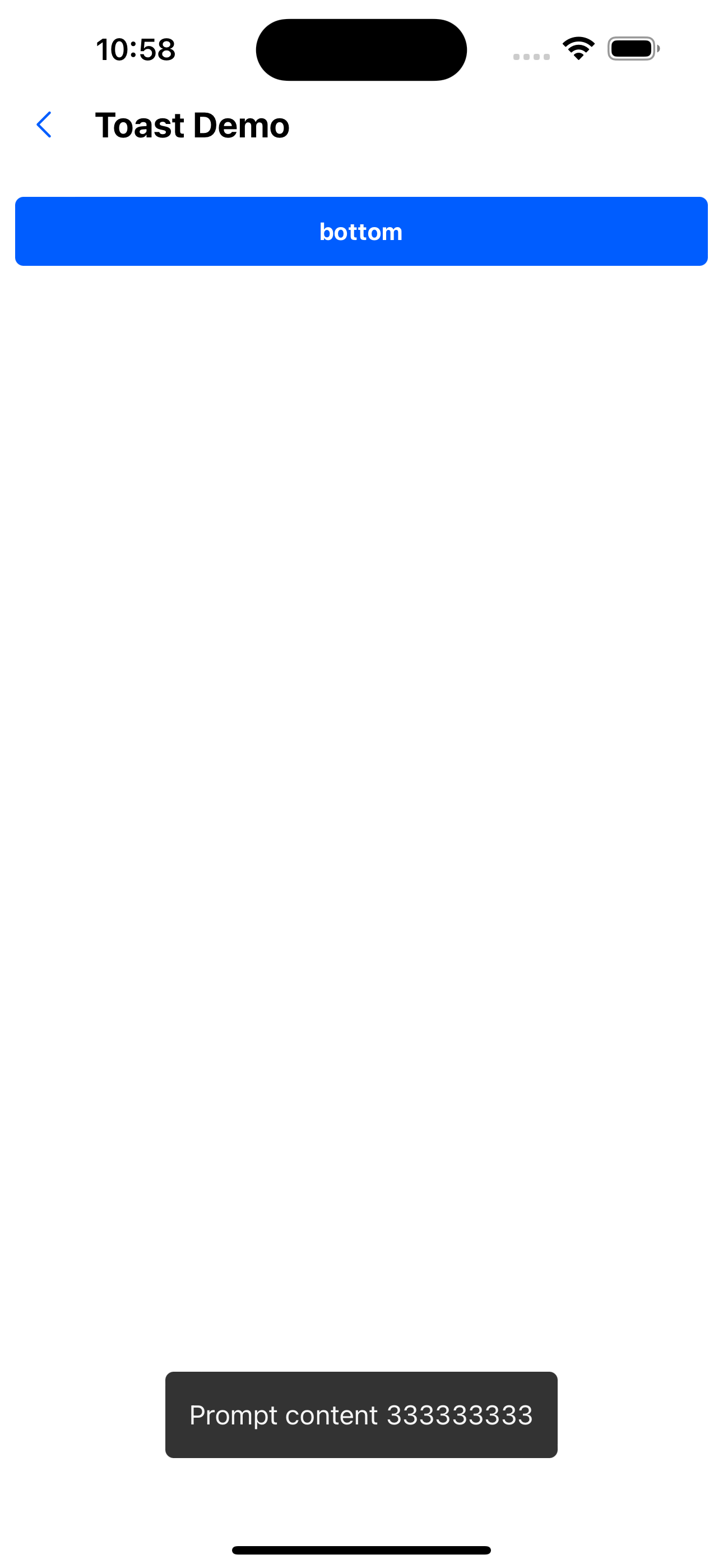
/>
4. Show loading effect
<Button title="loading" onPress={() => (keyRef.current = Toast.process())} />
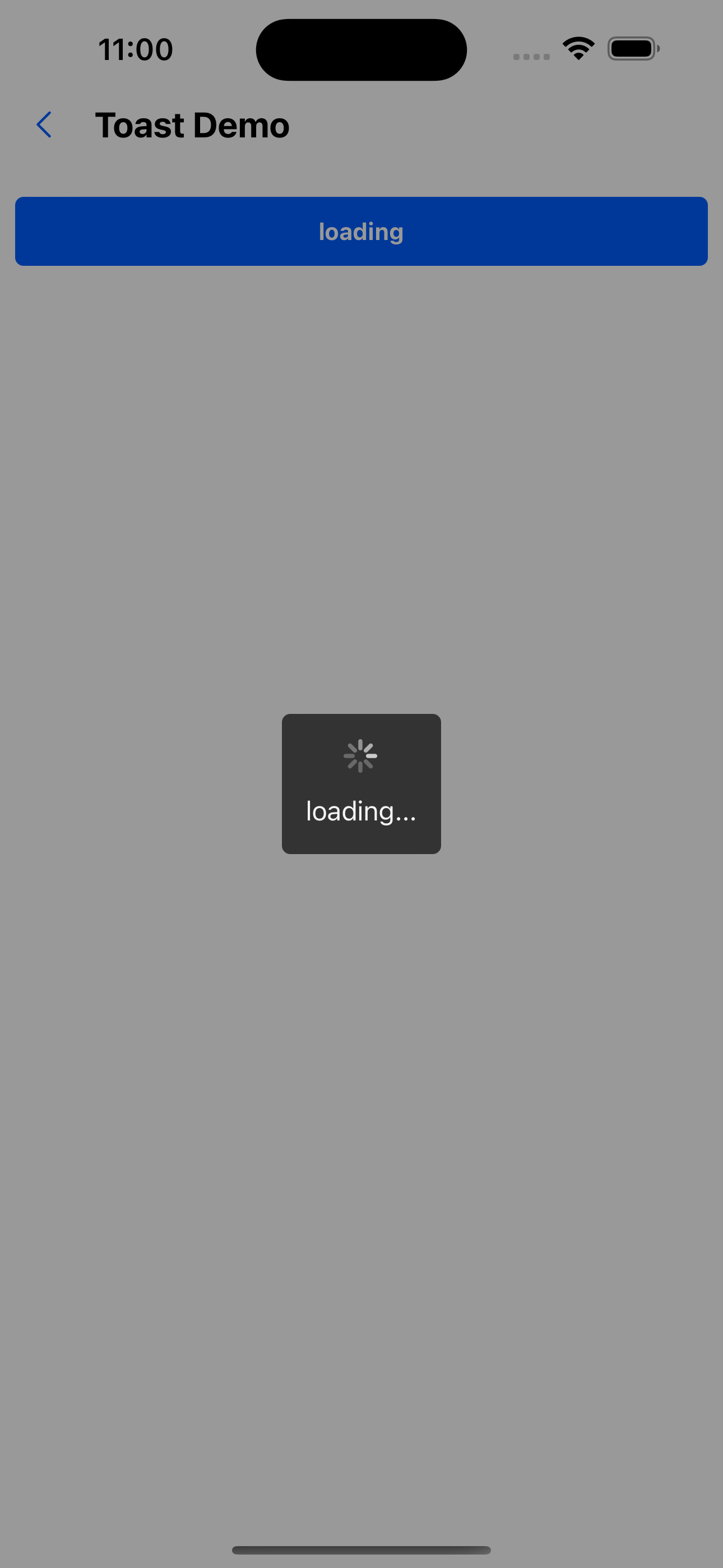
/>
5. Prompt pops up again in the pop-up window
<Button title="Content at bottom" onPress={() => setVisible1(true)} />
<Modal visible={visible1} onClose={() => setVisible1(false)} position="bottom">
  <Box height={190}>
    <Text variant="p0" color="gray500">
      I am the content
    </Text>
    <WhiteSpace />
    <Button title="submitting" onPress={() => (keyRef.current = Toast.process('Submitting...'))} />
  </Box>
</Modal>
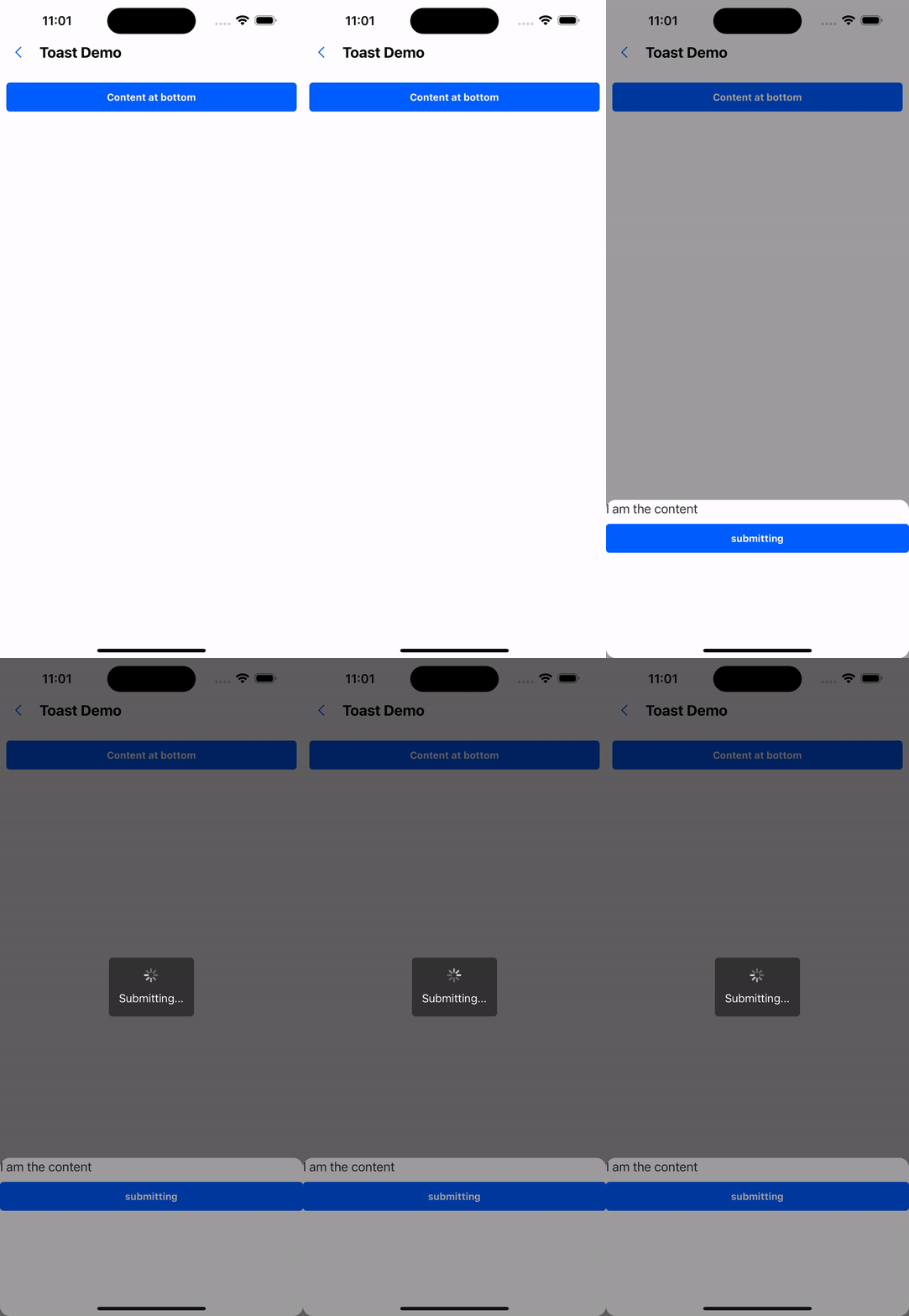
/>
6. Modify the prompt display duration
<Button title="top" onPress={() => (keyRef.current = Toast.top({ content: 'Prompt content 1111', duration: Toast.LONG }))} />

/>
API
Toast.top({ duration, content}: { duration: number, content: string })
Toast.middle({ duration, content}: { duration: number, content: string })
Toast.bottom({ duration, content}: { duration: number, content: string })
Toast.process(content: string)
Toast.hide()
duration There are three constant values:
- Toast.SHORT = 1500
- Toast.LONG = 3000
- Toast.INFINITY = INFINITY