Notify Prompt component
Effect demonstration
1. Message prompt
<Button
  title="info"
  onPress={() => Notify.info({ content: 'You have received a rush sale message, please check it' })} />
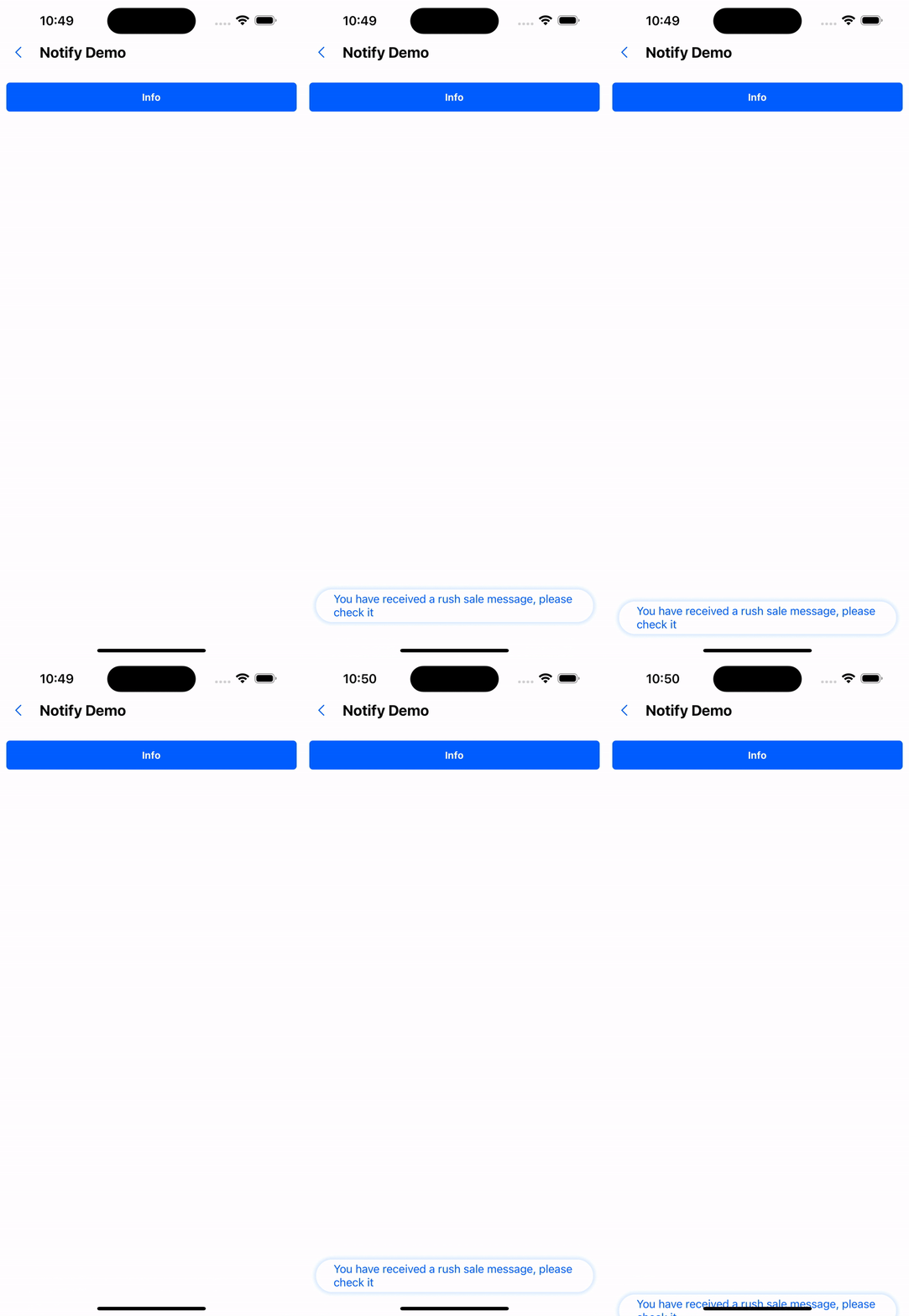
2. With closing effect
<Button
  title="close"
  onPress={() =>
    Notify.info({
      content: 'You have received a rush purchase message, please check it carefully',
      autoClose: false,
      onClose: () => console.log(222),
    })
  }
/>
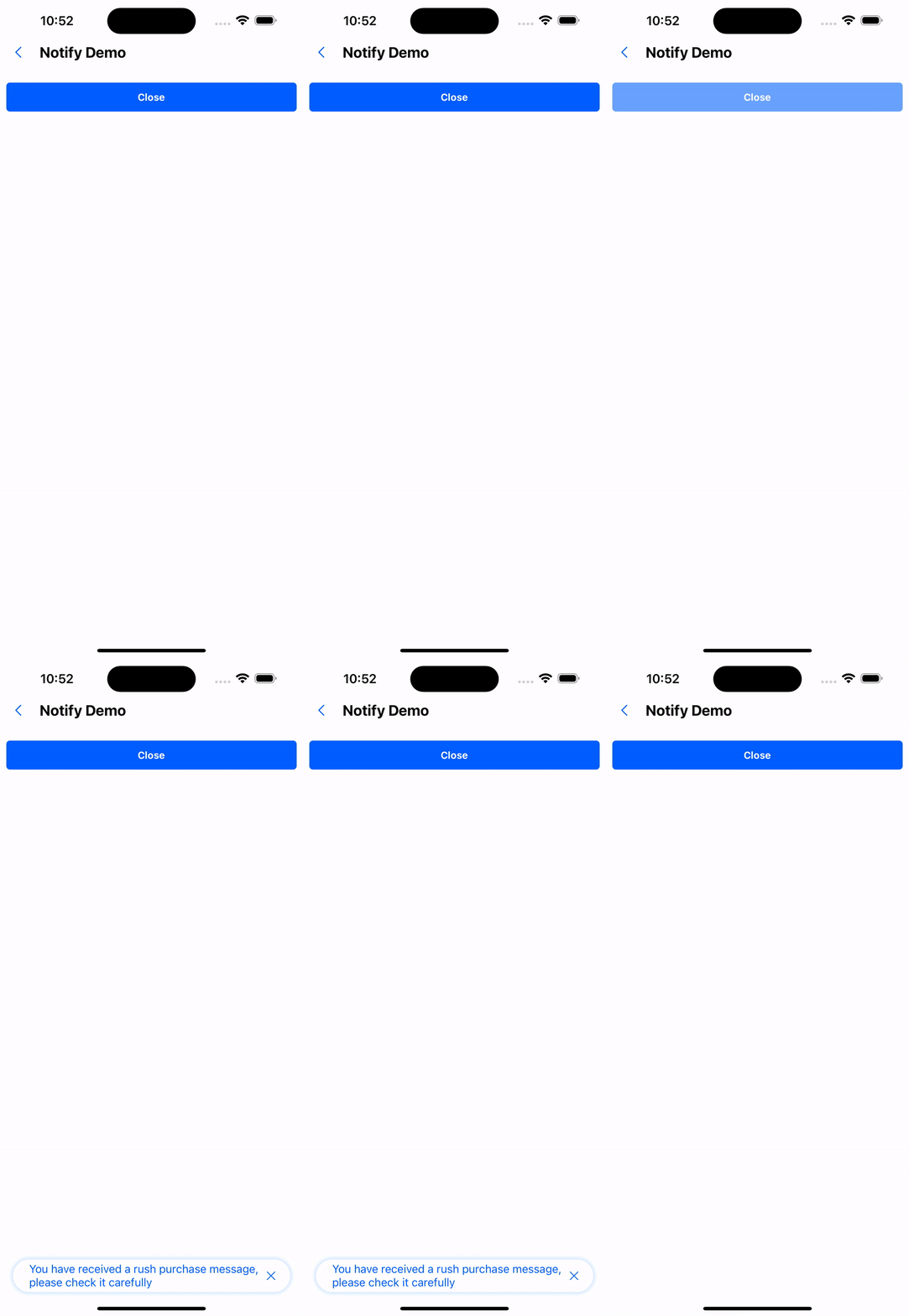
3. With click jump effect
<Button
  title="press"
  onPress={() =>
  Notify.info({
      content: 'You have received a rush purchase message, please check it carefully',
      onPress: () => navigation.navigate('BoxDemo'),
      autoClose: false,
    })
  }
/>
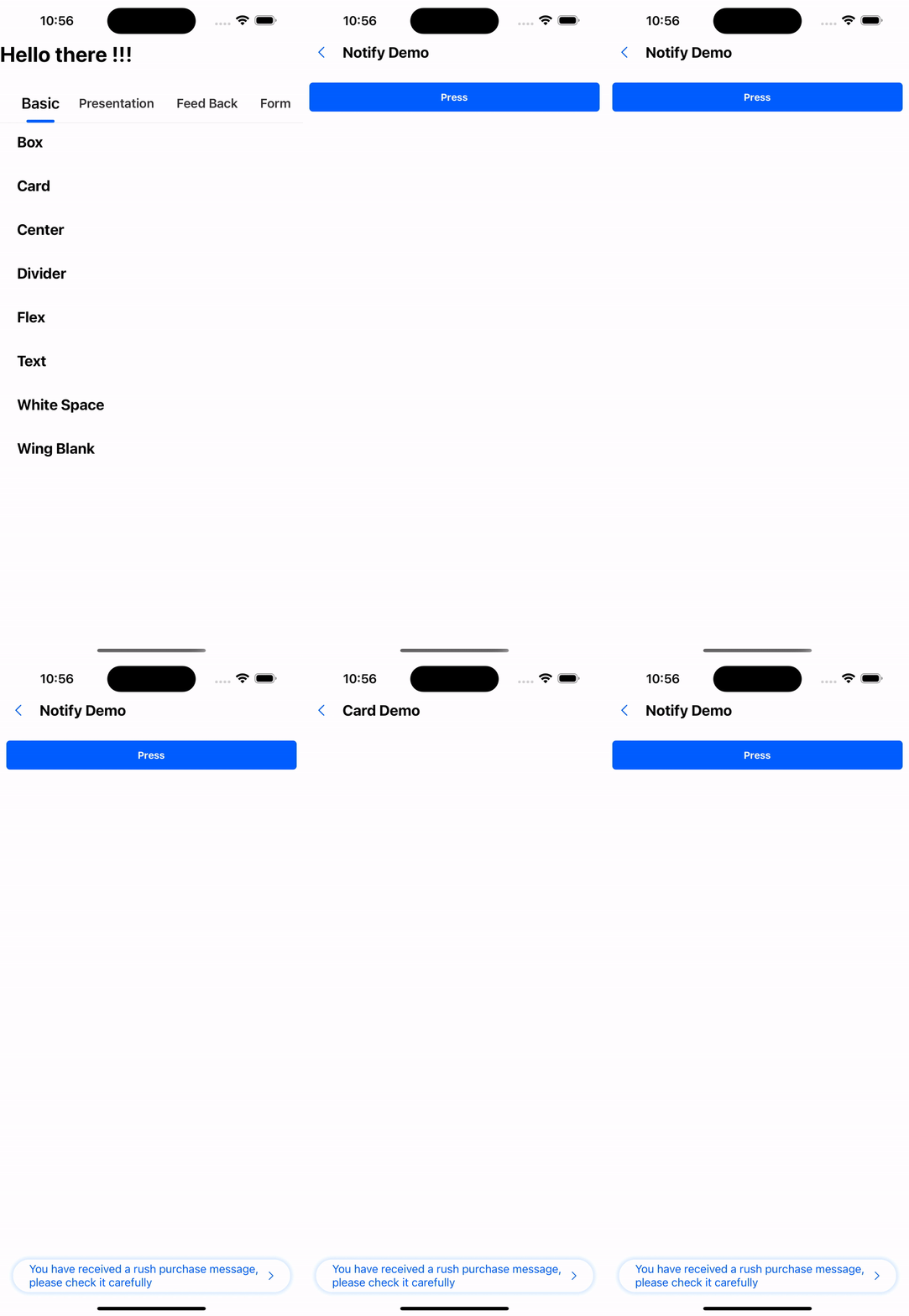
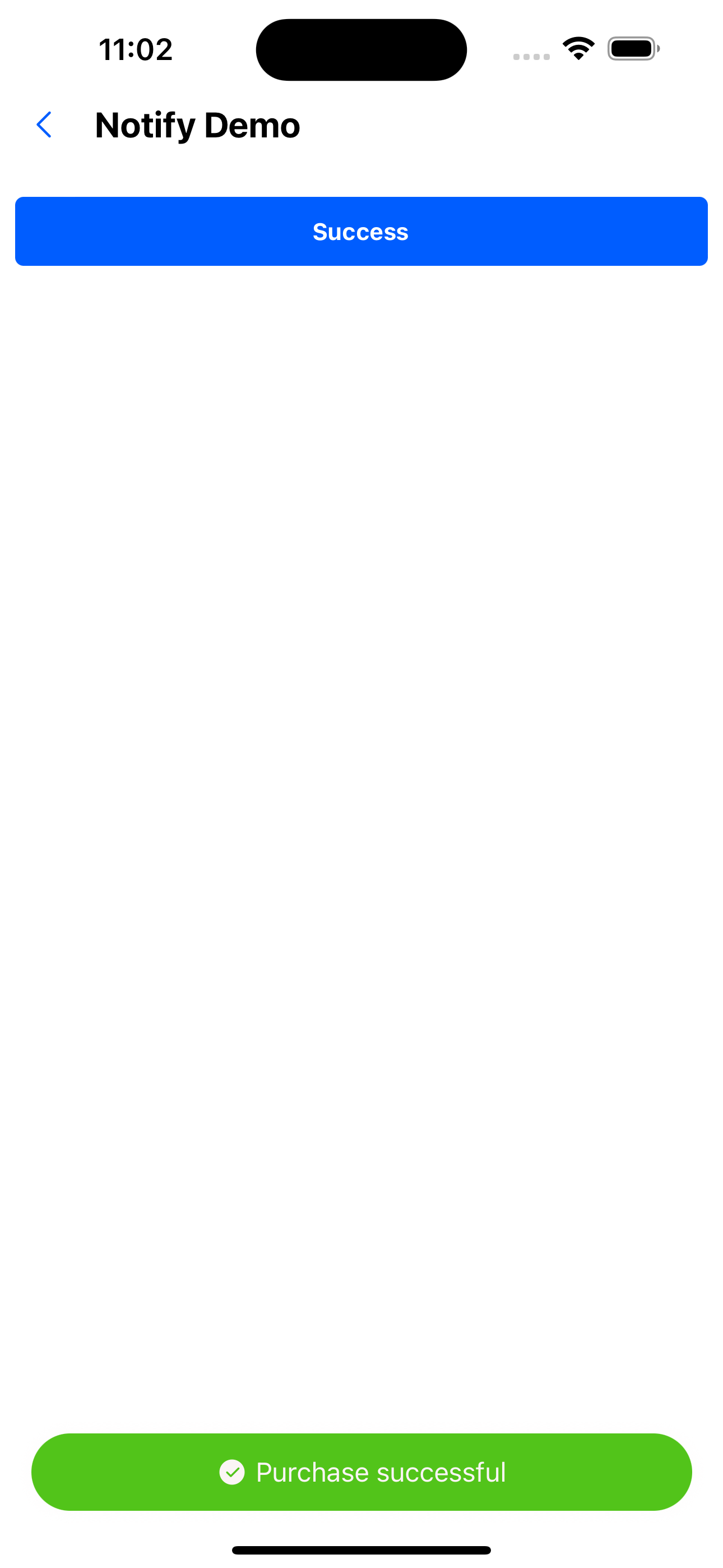
4. Success Tips
<Button title="success" onPress={() => Notify.success({ content: 'Purchase successful' })} />
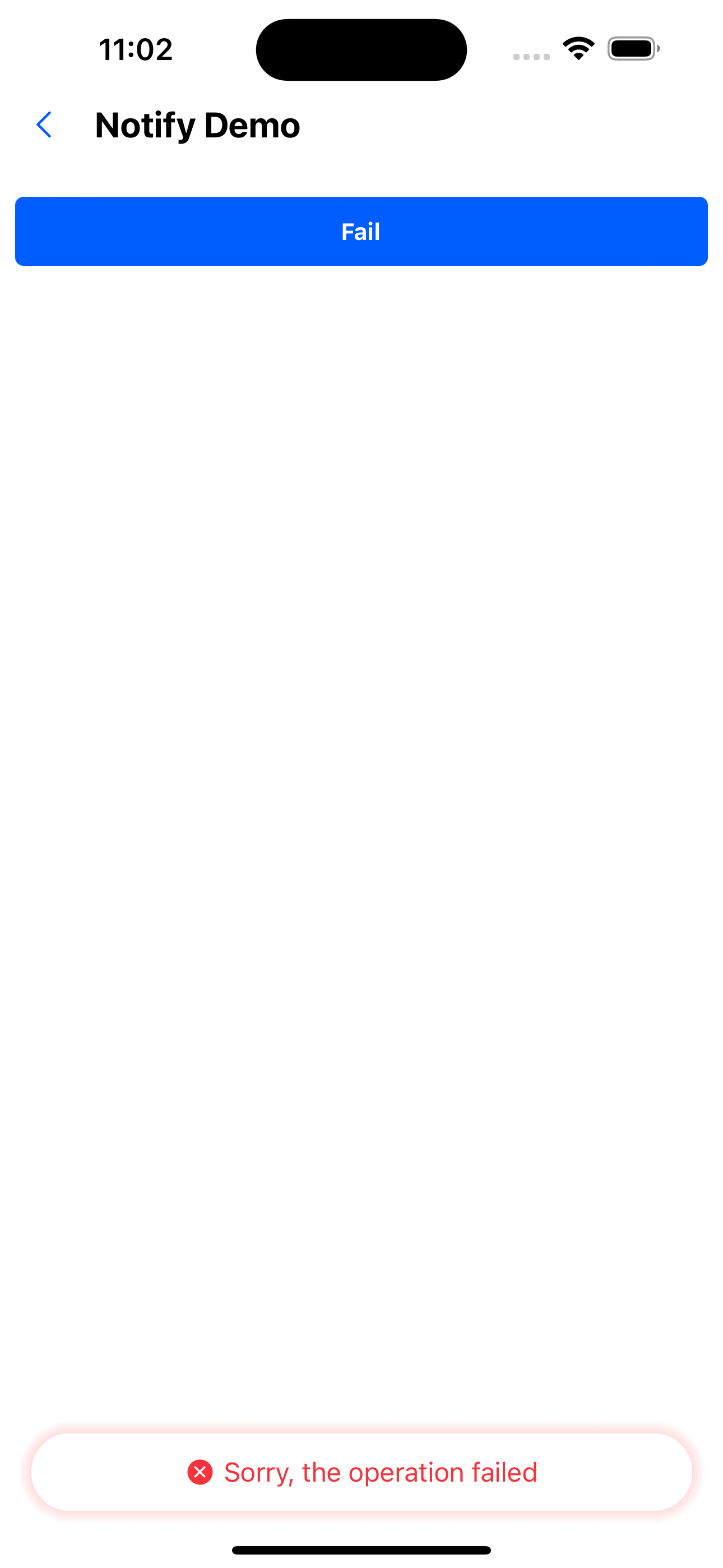
5. Failure prompt
<Button title="fail" onPress={() => Notify.fail({ content: 'Sorry, the operation failed' })} />
API
| Properties | Required | Description | Type | Default Value |
|---|---|---|---|---|
| autoClose | false | Whether to automatically close the prompt | boolean | true |
| duration | false | Prompt display duration (milliseconds) | number | 3000 |
| content | false | Prompt box content | ReactNode | |
| activeOpacity | false | Opacity when pressed | number | 0.6 |
| onClose | false | Callback after the prompt box is closed | () => void | |
| onPress | false | Callback after clicking the prompt box | () => void |
duration has two constant values:
- Notify.SHORT=3000
- Notify.LONG = 5000